













Yes, you can create that in Squarespace.
Modern tools can transform your idea into a working website faster than ever before. This course teaches you how to use them.

As a creative person, I’m always looking for the best way to do what I do. AI can’t be creative, but it can be used creatively. This program teaches you how to use AI as a tool that makes your ideas work the way you need them to.
Any AI. Every AI. Today’s AI.
Hopefully tomorrow’s AI, too.
Any AI. Every AI. Today’s AI.
Hopefully tomorrow’s AI, too.

PRESS TO PLAY →
THIS IS ABOUT SQUARESPACE
We’re not reinventing the wheel here. We’re pushing past template limitations and using existing features in new and creative ways. We’re building plugins that work. Customizing content without a design menu. This course is where you learn how to turn AI into your personal developer. You’ll direct it, critique it, and guide it to build your idea.
What’s inside . . .
-
Squarespace Foundations
you have to understand how it works if you’re going to make it better. we start by looking at the underlying layers of a squarespace site, so you know how to direct AI so it only changes what it needs to change.
-

Computer Translations
you don’t have to be fluent in nerd, but knowing what AI gives you matters. this module helps you identify 3 core languages, and shows you how to safely poke around inside the code of a Squarespace site.
-

Safe & Fast Customizations
when AI has to guess, you end up with a mess. this final module is where you learn the art of the ask: what info to give AI so that it’s responses are better, faster, and safe to use on a live site.
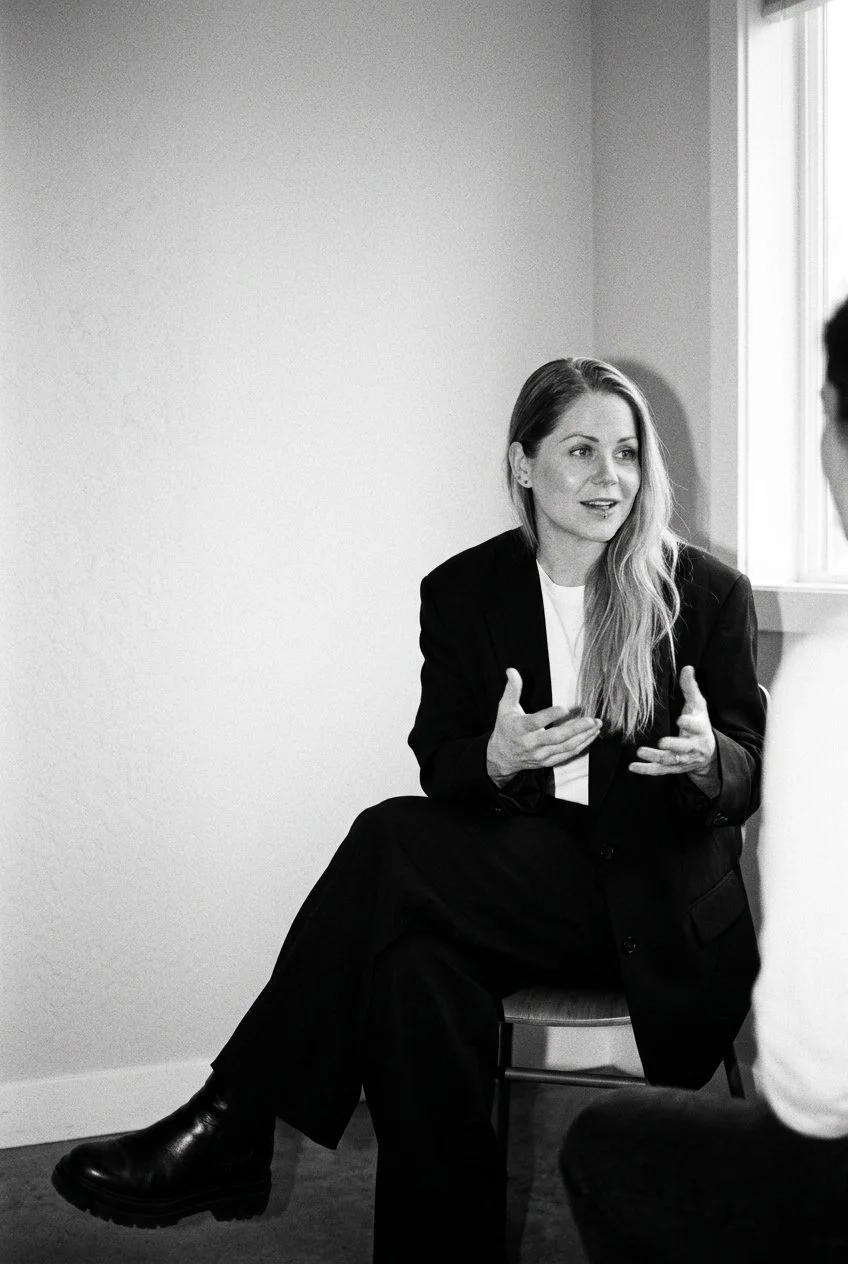
Live vibe sessions every month.
Beyond the Basics is more than a set of videos you might watch someday. The real magic is in the live vibe sessions.
These student only calls happen monthly. We work on real projects, and solve them together. We talk about AI models, Squarespace updates, and real client questions.
Every session is recorded & shared so we can learn together and look back at just how far we’ve come.


Real talk from Beyond Students
Khara was ready to level up her skills
I’ve been following Becca’s free and paid content for years and her new Vibe Coding course is one of the best things she’s recorded to-date. This course covers exactly what we need to know about vibe coding for Squarespace and can be worked through in an afternoon. This is a must-have course for every single person who is doing any vibe coding for Squarespace, whether it’s customizations for your clients, or even just a quick tweak on your own website.

Vicki wanted to develop her own plugins.
Sometimes AI would hand me the right code in minutes. Sometimes I'd be at it for hours, give up, and go pay for a plugin instead. That's the frustration that made me join Beyond the Basics; I needed to understand Squarespace from the back end, beginning to end.

Catherine wanted to stay relevant in the AI era.
I joined because I'm trying to position myself for whatever is about to come. I've learned so much just from being a fly on the wall watching everyone talk. Seeing Becca work real problems in real time; that is very valuable.


Beyond The Basics
enrollment is open now thru October 30th
instant course access
monthly live vibes
no subscriptions or monthly fees

Answers to questions you might have
-
No. You need to be comfortable in the Squarespace editor. The course teaches you to read and direct code, with AI doing the heavy lifting on the writing.
-
No. There are no lessons on replicating trends. This is advanced customization and code judgment, the part most courses skip.
-
Describing a design and/or function that you want a website to have in conversational language and directing AI to write the code, while you stay in charge of whether it is any good.
-
No. This update is free, included in your lifetime access. Check your inbox for more information, or reach out to support@insidethesquare.co directly.
-
No, and using Custom Codey means you're halfway there. Codey helps you create custom styles for what Squarespace gives you. This program teaches you to build features that dont currently exist.
-
You’ll get access to the course content immediately after purchase. Live Vibe session records are available for students within 48 hours. of the session.
-
You can, and you'll get code you can't diagnose on a platform the model doesn't fully understand. The skill you're investing in is structure and judgment: knowing what to ask for, how to read what comes back, and whether it's safe to ship.
-
All of the Live Vibe sessions are recorded. Replays are posted to your student only event section within 48 hours, and a link to the archived AI chat from the call is also shared.
-
NO - the term Squarespace is a trademark of Squarespace, Inc. This program is not affiliated with Squarespace Inc.
-
Two payments of $270, one month apart. It's the same lifetime access, split in two. Not a subscription, and nothing recurs after the second payment.
Price above is in USD. Lifetime access to all versions included. Content will be available immediately after purchase.
If you already own a previous version of Beyond the Basics, this update is included in your lifetime access.
Contact support@insidethesquare.co for details

ENROLL BEFORE OCTOBER 30TH
Learn to give AI the right context, read the output with confidence, and get results that work on Squarespace.
Take your designs beyond the basics.
instant course access
monthly live vibes
no subscriptions or monthly fees